Guiding the Classroom with AI Copilots
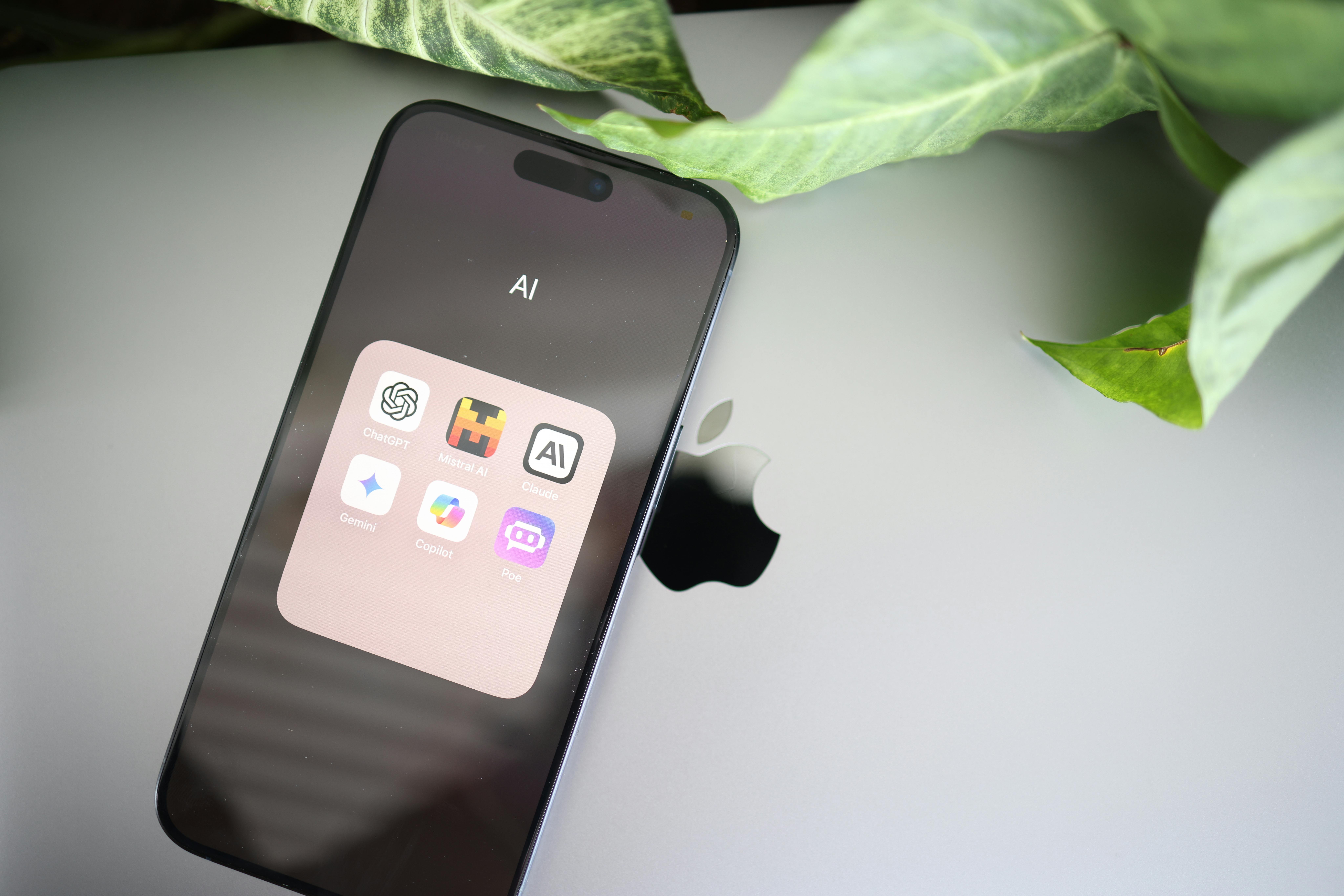
As the education landscape evolves with technology, the integration of AI tools has become increasingly significant. In this blog post, we will explore how educators can effectively utilize AI copilots as supportive allies in the learning process, ensuring that they enhance rather than replace the human touch in education.
Understanding AI Copilots
AI co-pilots are not meant to replace teachers or instructional designers; instead, they act as smart assistants that help brainstorm ideas, draft content, and personalize support for learners. For instance, traditional tools like spell check and search engines have assisted us in our tasks. Still, generative AI takes this a step further by actively suggesting new content, such as texts, images, quizzes, and outlines. However, this shift also brings concerns, such as fears of job loss or diminished human connection in the classroom. The key is to embrace AI wisely to enhance human interaction and focus on coaching, feedback, and meaningful engagement with learners.
Establishing Guardrails for AI Use
To ensure that AI tools are used effectively, it is crucial to set clear guidelines. Here are some essential guardrails:
- Transparency: Educators should inform learners about how AI tools will be utilized. This can be communicated through syllabus notes or introductory class discussions.
- Privacy: Avoid entering sensitive or personally identifiable information into AI tools. If information is not suitable for a public audience, it should not be shared with these tools.
- Boundaries: Clearly define what AI can and cannot do. While AI can assist in generating ideas or practice questions, it should not replace original thinking or final assessments.
- Integrity: Align AI use with academic integrity policies and ensure that outputs are not copied directly from AI tools.
- Guidance for Younger Learners: Provide age-appropriate supervision and platforms, especially when working with K-12 students.
Role-Based Examples of AI Copilots
Now that we have established the necessary guardrails, let’s explore some practical applications of AI copilots in different educational contexts:
- For K-12 Teachers: AI can assist in lesson planning by generating differentiated reading passages or practice questions. Additionally, it can offer feedback suggestions focusing on clarity and organization, allowing teachers to enhance their comments.
- For Higher Education Faculty and Instructional Designers: AI can serve as a design co-pilot by generating discussion prompts, case studies, or quiz banks aligned with learning outcomes. This reduces the time spent on initial brainstorming, allowing educators to focus on refining the content.
- For Corporate Training Professionals: AI can help create realistic role plays or personalized learning nudges for employees, streamlining training processes and making them more effective.
Implementing a Simple Pilot Plan
To start integrating AI copilots into your educational practices, consider a pilot plan:
- Pick One Small Slice of Work: Focus on a single lesson or module to avoid feeling overwhelmed.
- Define Success: Identify what success looks like for your pilot. This could be more drafts submitted on time or improved student participation.
- Choose Your Tool Wisely: Ensure that the AI platform aligns with privacy and security standards, particularly when handling sensitive information.
- Create an AI Co-Pilot Brief: Outline what the AI can and cannot help with, and provide examples of appropriate use.
- Plan Reflection Moments: After the pilot, gather feedback on what worked and what could be improved.
Conclusion: Key Takeaways
AI copilots hold great potential for transforming educational practices, but their success hinges on thoughtful and intentional integration. By establishing clear guidelines, understanding their role, and implementing small pilot plans, educators can ensure that AI tools enhance rather than detract from the learning experience.
🔗 Resources and Related Episodes:
If you’d like to explore today’s topic further, here are a few resources to check out:
📝 Interactive Resource
AI Copilot Pilot Checklist: A ready-to-use guide you can copy and adapt to your context. Use this template to plan, run, and debrief a small AI copilot pilot—from choosing one workflow and setting guardrails to defining success and capturing what you’ll keep, tweak, or toss.
📊 Research Report
2025 AI in Education: A Microsoft Special Report: This research report, produced by Microsoft, provides key insights into how AI is transforming nearly every aspect of our society worldwide.
🎧 Listen Next: Related Episodes
Episode 54: Beyond Learning Outcomes: Designing for Humans or Learners?: A practical look at human-centered design, focusing on how to move beyond check-the-box objectives and create learning experiences that serve real people, real needs, and real contexts.
Episode 79: Top Emerging Technologies Shaping Instructional Design: A tour of five emerging tools, including VR, AR, and MR, and how they’re reshaping the way we design for real-world skills and authentic practice.
Photo by Solen Feyissa: https://www.pexels.com/photo/a-smartphone-with-ai-apps-20870806/

Award-Winning Instructional Designer, College Professor, Consultant, and Podcast Host
Jackie, an Arizona native, leverages decades of experience as an award-winning instructional designer within both higher education and the corporate world. She holds an MBA and a Master of Science in Instructional Design and Technology, both acquired through online learning. In addition to her full-time role, Jackie serves as an award-winning adjunct instructor, teaching online courses at Grand Canyon University. During her leisure time, she delights in reading books across a range of genres, enjoying movies and TV shows, playing games, listening to uplifting music, and spending quality time with her family and friends.

Navigating Your Instructional Design Career: A GPS for Success

